CV in Word or PDF: which format should you send?
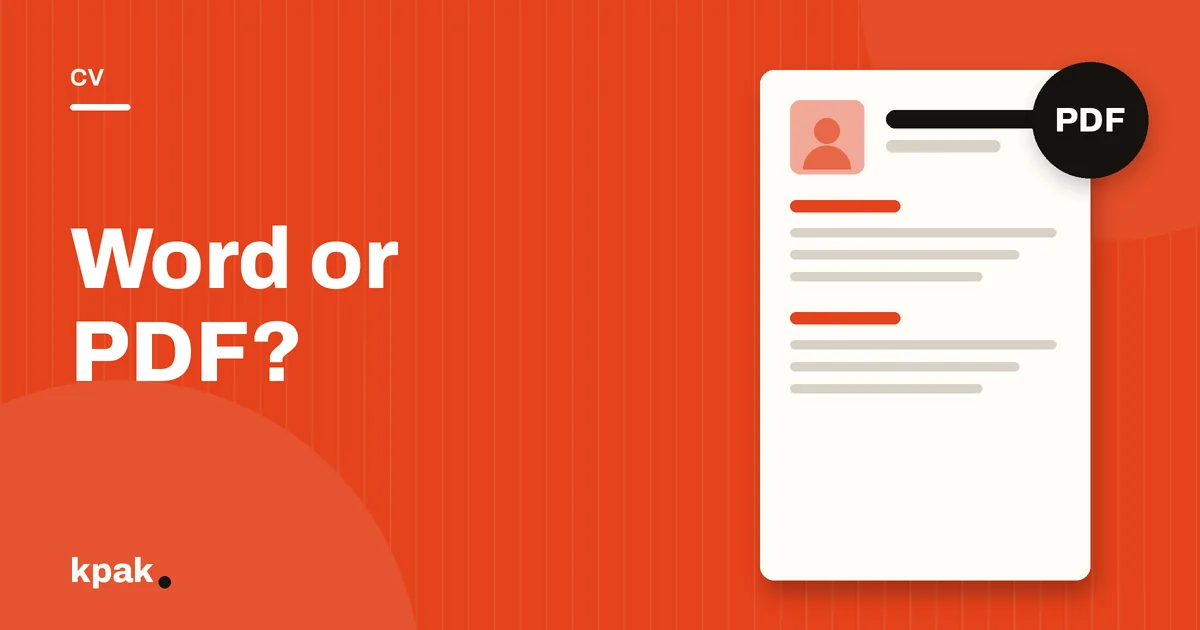
Send your CV as a PDF unless the job ad explicitly asks for a Word file. A PDF keeps your layout intact on any phone.
Why PDF is the default
A Word file looks different depending on the software version and the recruiter's phone: fonts change, tables shift, a blank second page appears. A PDF freezes the document as you designed it, provided it contains real text and not a scanned image.
When to send Word
- The ad asks for it.
- A recruitment agency wants to rebrand your CV.
- An online portal only accepts that format.
Use a simple template without text boxes or nested tables.
| Tool | Price | Read by screening software | Strength | Limit |
|---|---|---|---|---|
| Word / Google Docs | Free (or already installed) | Good with a simple layout | Full control, works offline | Slow formatting, dated templates |
| Canva | Free, premium elements paid | Variable: columns and icons can be misread | Very attractive design | Built for design, not for screening software |
| Online builders (Zety, Resume.io…) | Often free to build, paid options in dollars or euros | Usually good | Step-by-step guidance | Foreign currency, card often required |
| EmploiZen | Unlimited free CVs, AI options from 300 CFA francs | Real-text PDF, single-column version | Tests the CV against a job ad, local pricing | New service, AI writing is paid |
Prices and features checked in November 2026; they may change.
The traps of free Word templates
Many downloaded templates use text boxes and shapes that software cannot read in order. Quick test: open your PDF, select all the text and paste it into a note. If the order makes sense, screening software will read it the same way.
Frequently asked questions
Can screening software read a PDF CV?
How do I convert a Word CV to PDF for free?
Where can I find a free Word CV template?
Kpak is published by the EmploiZen team, one of the tools mentioned in this article. Our transparency policy